Our free caption generator hands you a ready line in seconds, pick who the post is for, choose a vibe and a language, and tap Copy. There is no app to install, no sign up wall and no watermark stuck to anything you take away.
The 25 captions below are the kind of lines it serves up, strong all-rounders that fit a selfie, a status or a story. Use them straight from this page or run the generator for a fresh batch tuned to your mood.
Fresh from the Generator, Today's Picks
All-rounder lines that work under almost any photo. Copy one as is or swap a word to make it yours.
fresh out of ideas, never out of style
proof that i showed up today
soft heart, sharp playlist
updating my feed, not my personality
small win, big smile, no context
Generator Picks for Girls
Lines with a little shine for her feed. Every one of these also works as a WhatsApp caption for girls who keep their status game quietly strong.
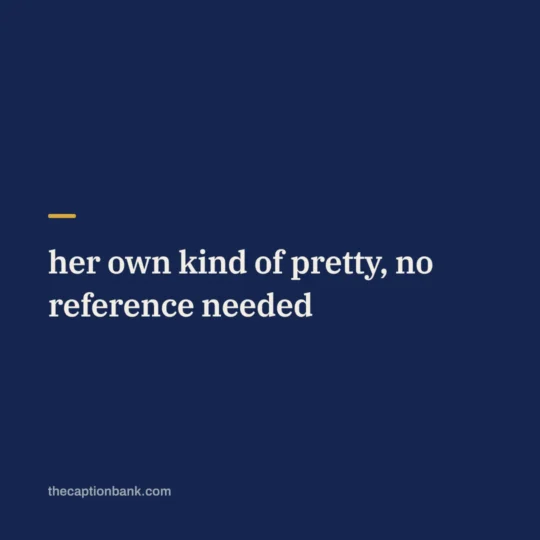
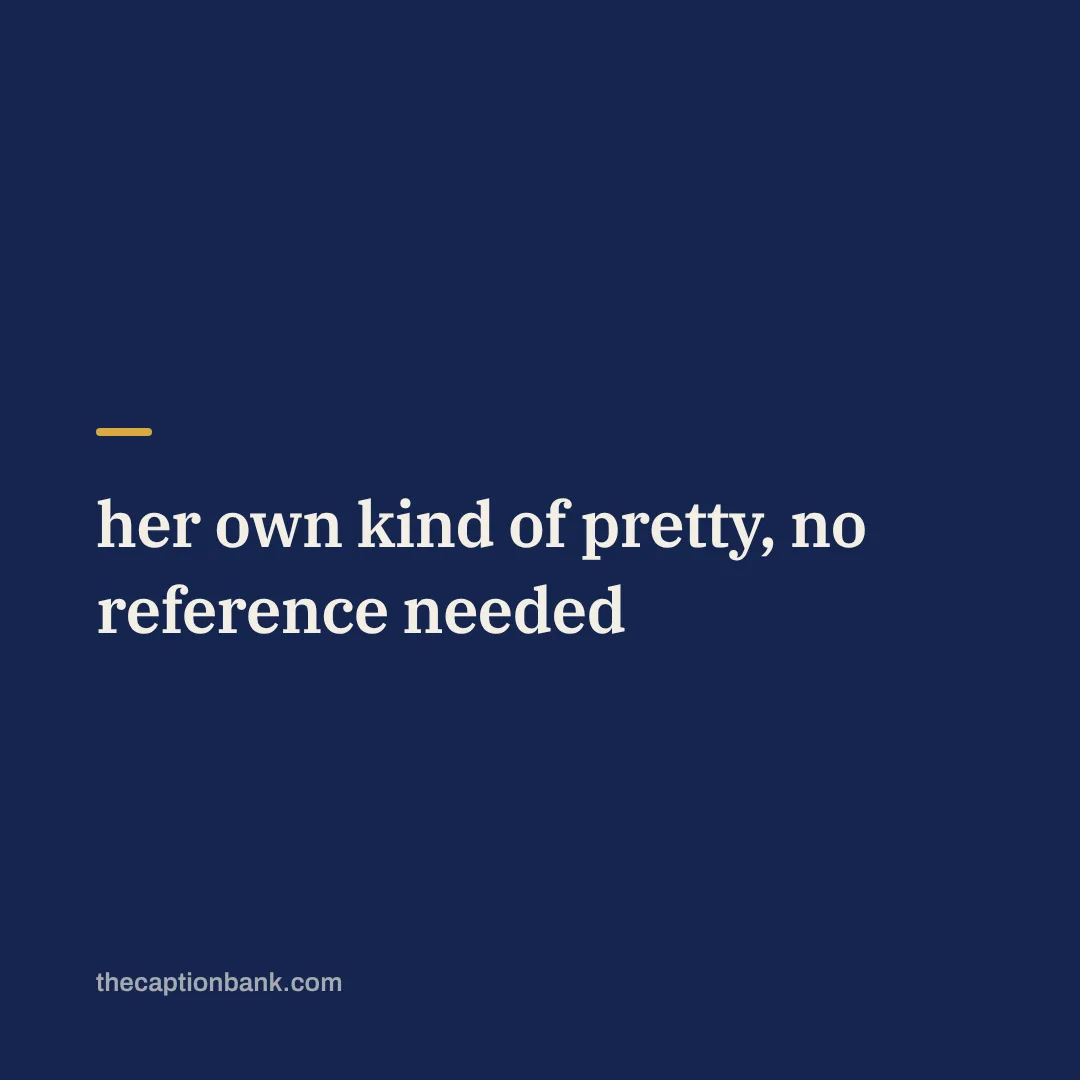
her own kind of pretty, no reference needed
glow first, explain never
sunlight agrees with me today
quiet girl, loud dreams
messy bun, tidy plans
Generator Picks for Boys
Short, steady lines that sound confident without trying too hard. Built for profile photos and gym-free flexes.
calm face, loud goals
did the work, skipped the speech
same old me, upgraded week
kept it simple, kept it mine
not everywhere, just where it matters
WhatsApp Status Caption Picks
A good WhatsApp caption is short enough to read in one glance. These five are made for the status screen.
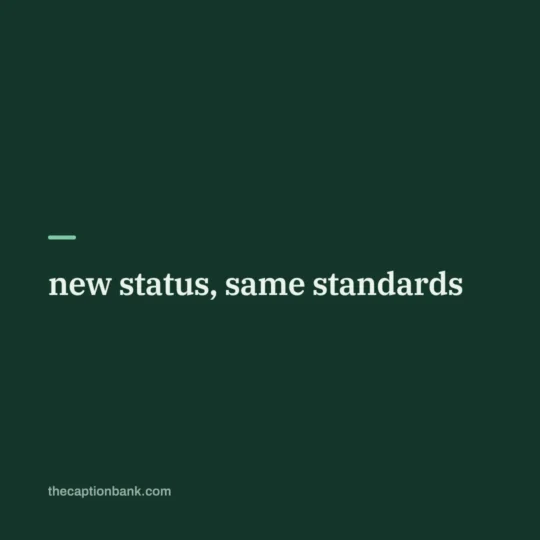
new status, same standards
today was a good draft
offline mostly, online briefly
collecting little moments like loose change
short update, long story behind it
Story and Selfie Picks
For the posts that vanish in a day but deserve a good line anyway.
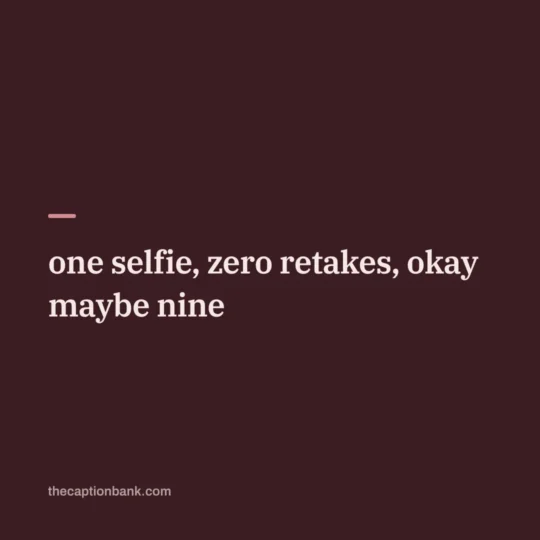
one selfie, zero retakes, okay maybe nine
golden hour found me first
posting this before i overthink it
camera roll's employee of the month
soft light, louder confidence
How the Free Caption Generator Works
Three taps, one caption. First pick who you are posting for, yourself, a girl's feed, a boy's feed, a couple shot. Then pick a vibe, attitude, classy, cute, soft, funny or aesthetic. Finally pick a language, English, Hindi, Marathi or Bengali, and the generator serves a line. Tap Copy and you are done.
- It behaves like a free auto caption generator with no watermark on what you copy.
- No app download and no account, it runs right on this page.
- Use it as a video caption generator too, the same short lines sit well under a reel or a video post.
- Not feeling a line, tap again for auto captions until one clicks.
From Image to Caption in 3 Steps
Searching for an image to caption tool usually means one thing, you have the photo and want words that match it. You can do that match yourself in three steps, think of it as running the caption generator from your photo's mood rather than its pixels.
- Name the mood. Look at the photo and pick one word, happy, calm, bold, dreamy. That word is your vibe setting.
- Name the subject. A selfie points to I and me lines, a group shot points to we lines, a scenery shot points to short aesthetic captions.
- Pick the shortest line that fits both. When two captions feel right, the shorter one wins. Browse attitude captions or cute captions if you want more options for that mood.
WhatsApp Captions, Status and Album Tips
A caption for WhatsApp status sits in the small text box under your photo or video, keep it under ten words so nothing gets cut on small screens. A WhatsApp caption for girls can lean cute or classy, while boys often pick the simple lines, but there is no rule, take whatever sounds like you.
On Android phones the WhatsApp beta builds added an album caption box so one line covers the whole album instead of typing on every photo. For Devanagari lines, our Hindi captions and one line Hindi captions pages pair well with status posts.
Quick answers
What is a caption in WhatsApp?
It is the short text you type under a photo, video or document before sending it, and the same box appears when you post a status. The caption travels with the media, so the person sees the line and the picture together. Keep it short, one line reads best on a status.
Is the caption generator really free?
Yes, fully free with no catch. There is no app to install, no sign up, no daily limit and no watermark on the lines you copy. It stays free because it is part of The Caption Bank, you can always browse the full pages from the home page too.
Does it work as a video caption generator for reels?
Yes. The lines are short on purpose, so they sit cleanly under a reel or any video post. Pick the vibe that matches the clip, copy the caption and paste it when you upload. Funny and attitude vibes tend to do best on video.
How do I add a caption to a WhatsApp status?
Open status, pick your photo or video, and type in the text field at the bottom before posting. That field is the caption. You can paste a copied line from the generator there, then hit send and your status shows the media with your line under it.
Can the generator make a caption from my photo?
It does not read your photo, and that is by design, no uploads means nothing leaves your phone. Instead you tell it the mood and who the post is for, which is what a good caption really depends on. The three step guide above shows how to match any image to a caption in under a minute.